Stories Restored
Stories Restored

Give Your Family's Memories a Second Life

AI photo restoration for old family photos

Fix fading, scratches, and tears on old family photos in minutes. Step-by-step instructions. No editing skills needed.

Before: Faded 1940s wedding portrait restored with AI
After: Faded 1940s wedding portrait restored with AI

Faded 1940s portrait restored with AI

Self Service

Use our step-by-step guide to restore photos yourself with Google's Gemini AI. Free to try. No account required.

Read the AI photo restoration guide →

Done For You

Hundreds of photos? Send them all at once. Our software restores every one of them automatically. We handle the rest. Powered by Google's Gemini or GPT Images 2.0. Per-photo pricing plus an $8 service fee.

Start a Bulk Restoration →
Originals Untouched

We never change your original files. Every restoration is a new copy you can compare side-by-side.

Your Photos Stay Private

We don't sell or share your images with anyone. They're used only to give you back your restored photos.

Pay-As-You-Go

No subscriptions, no credit packs. Pay only for the photos you restore.

How it works

01

Upload Your Photos

Use your phone, scanner, or computer. We accept JPG, PNG, TIFF, HEIC, and WebP.

02

Choose Restoration Mode

Basic enhancement, full restoration, or premium restoration.

03

Receive Your Archive

Download your restored images instantly (DIY) or receive them by email (bulk runs).

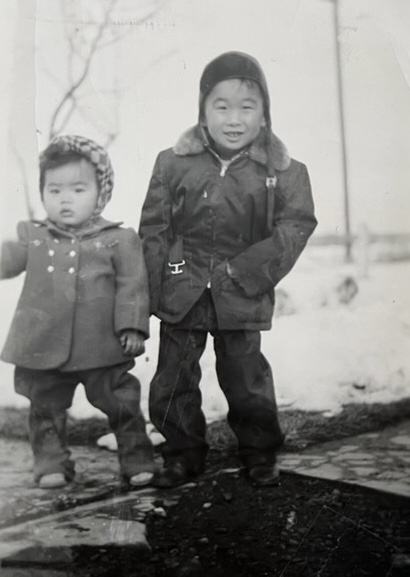
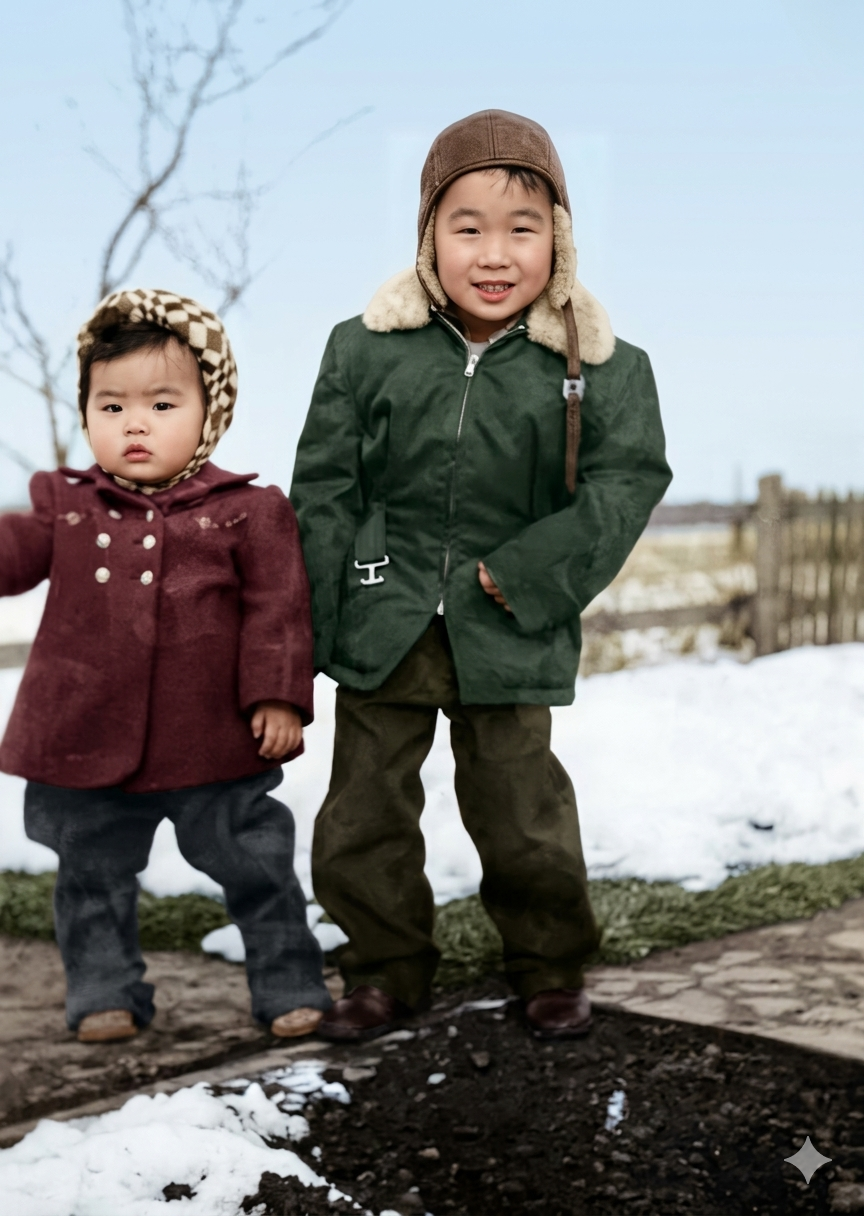
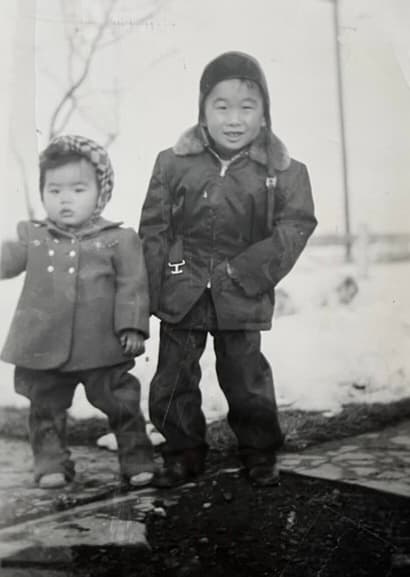
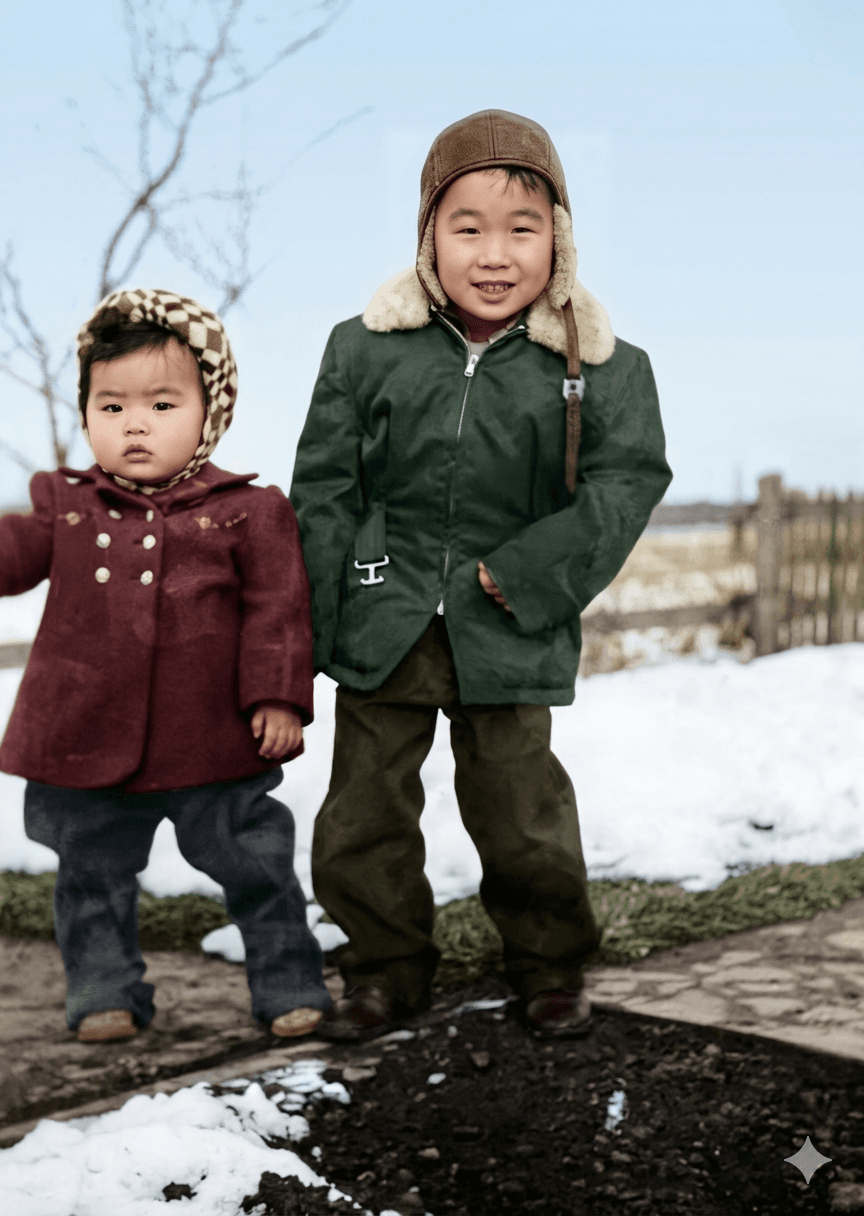
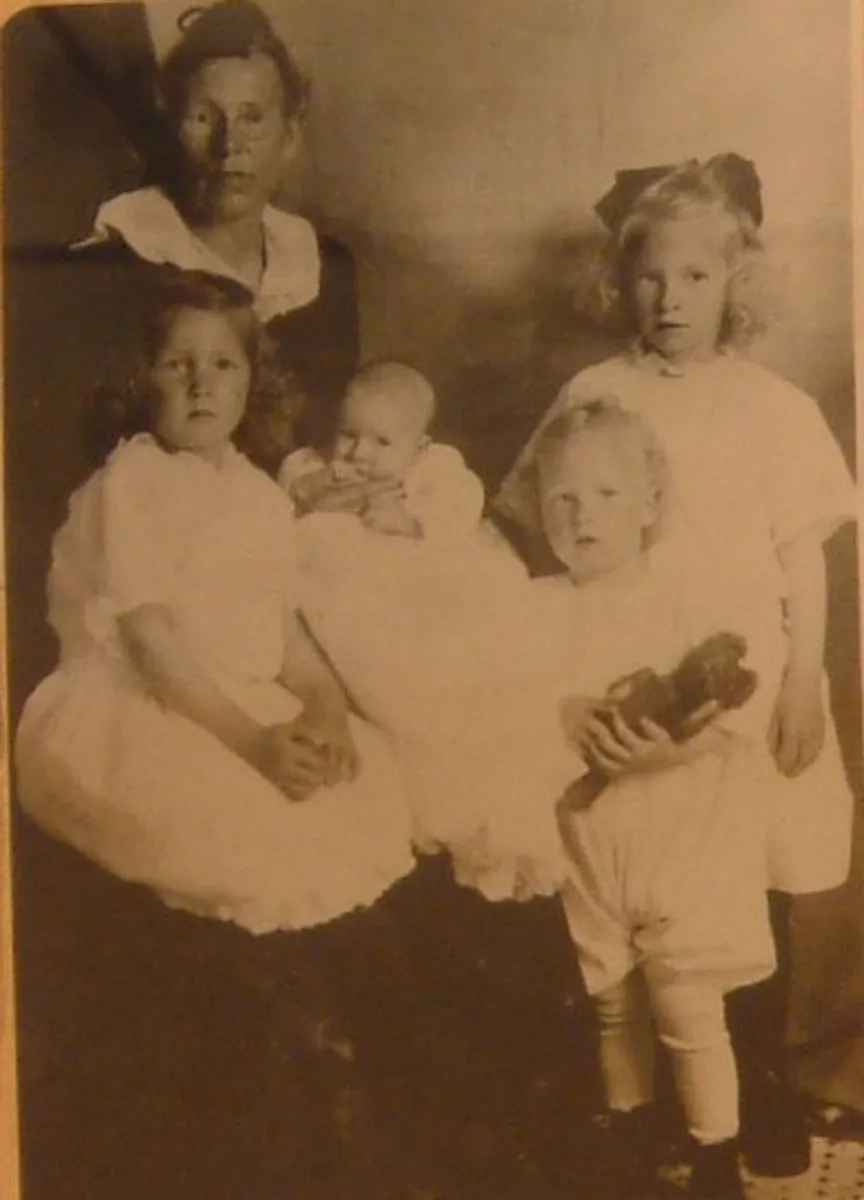
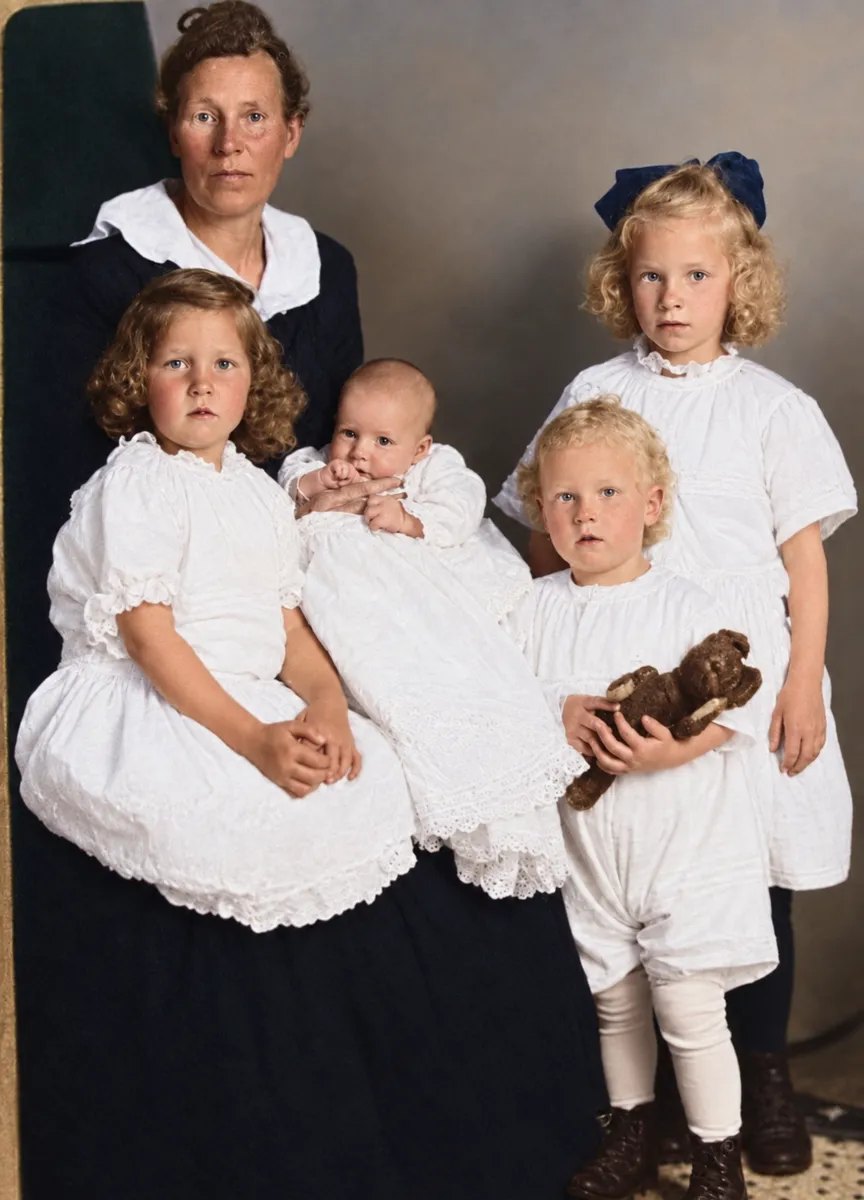
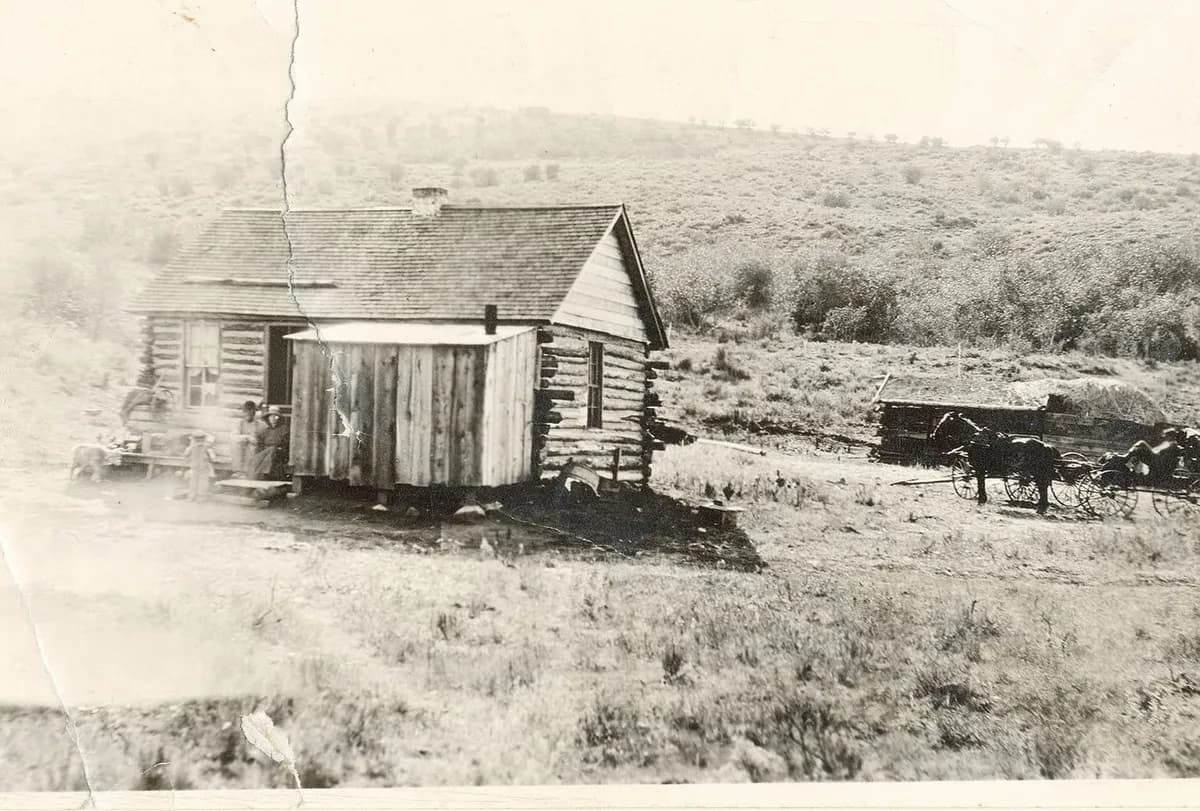
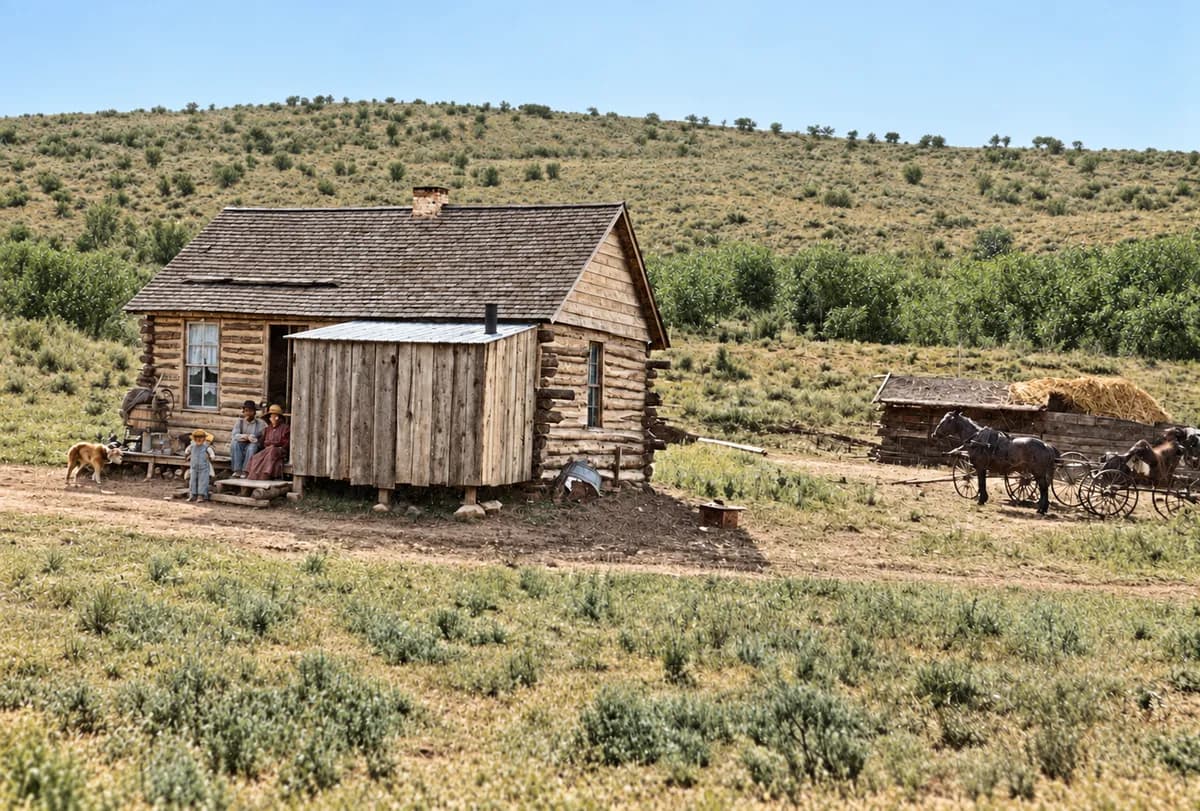
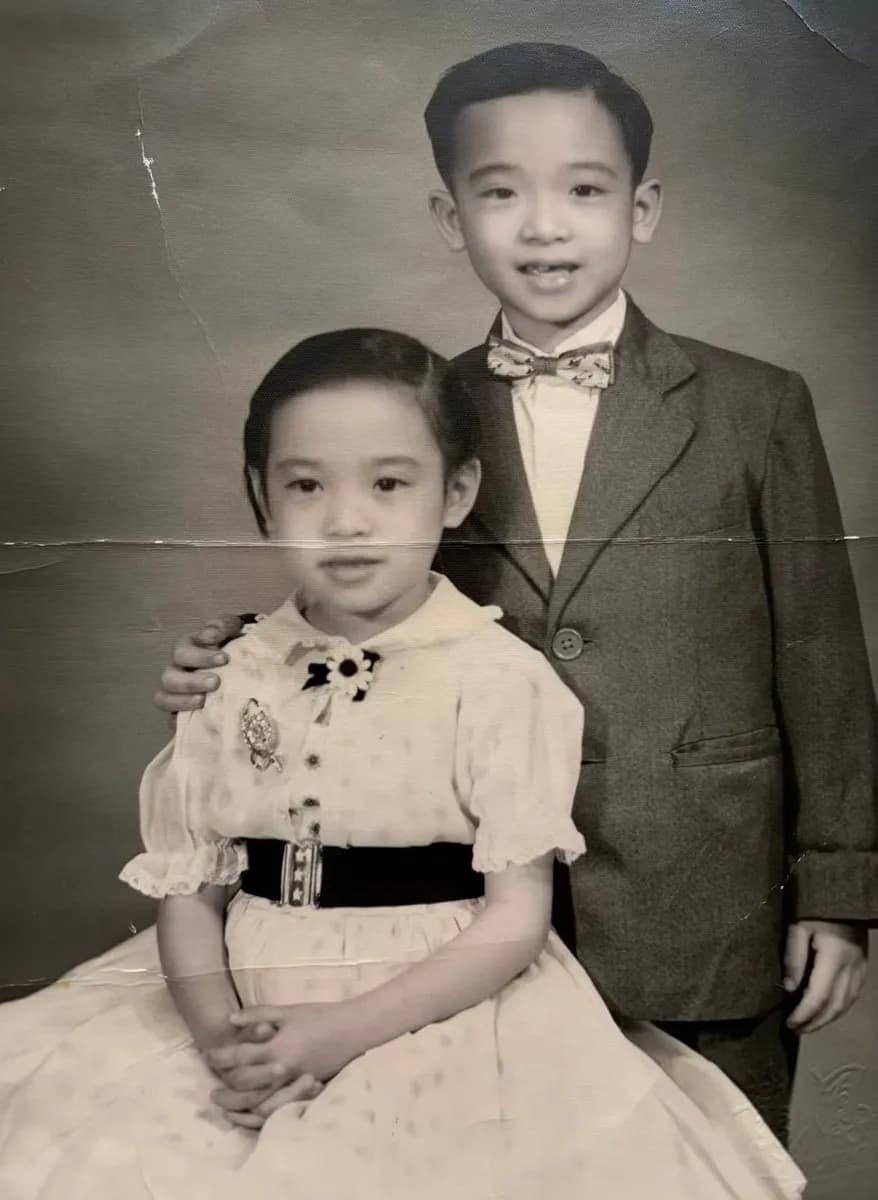
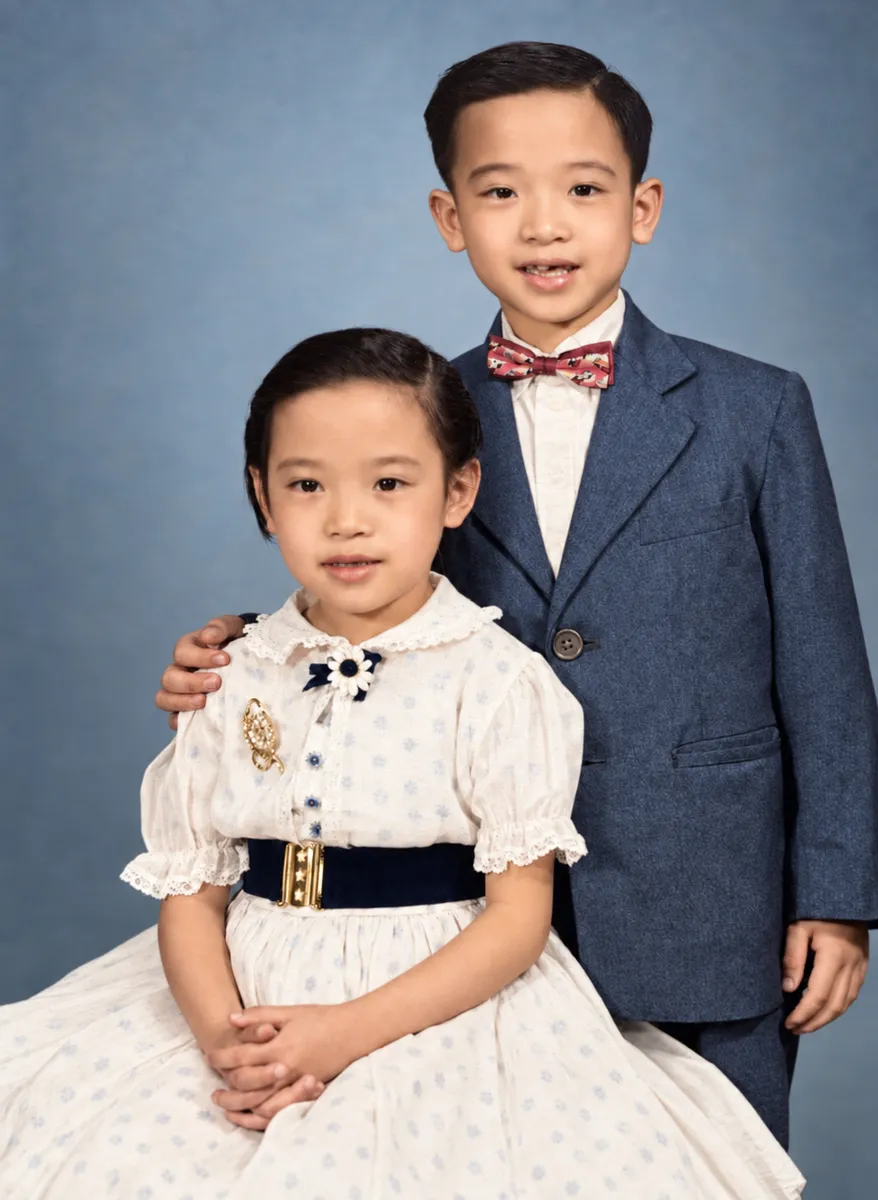
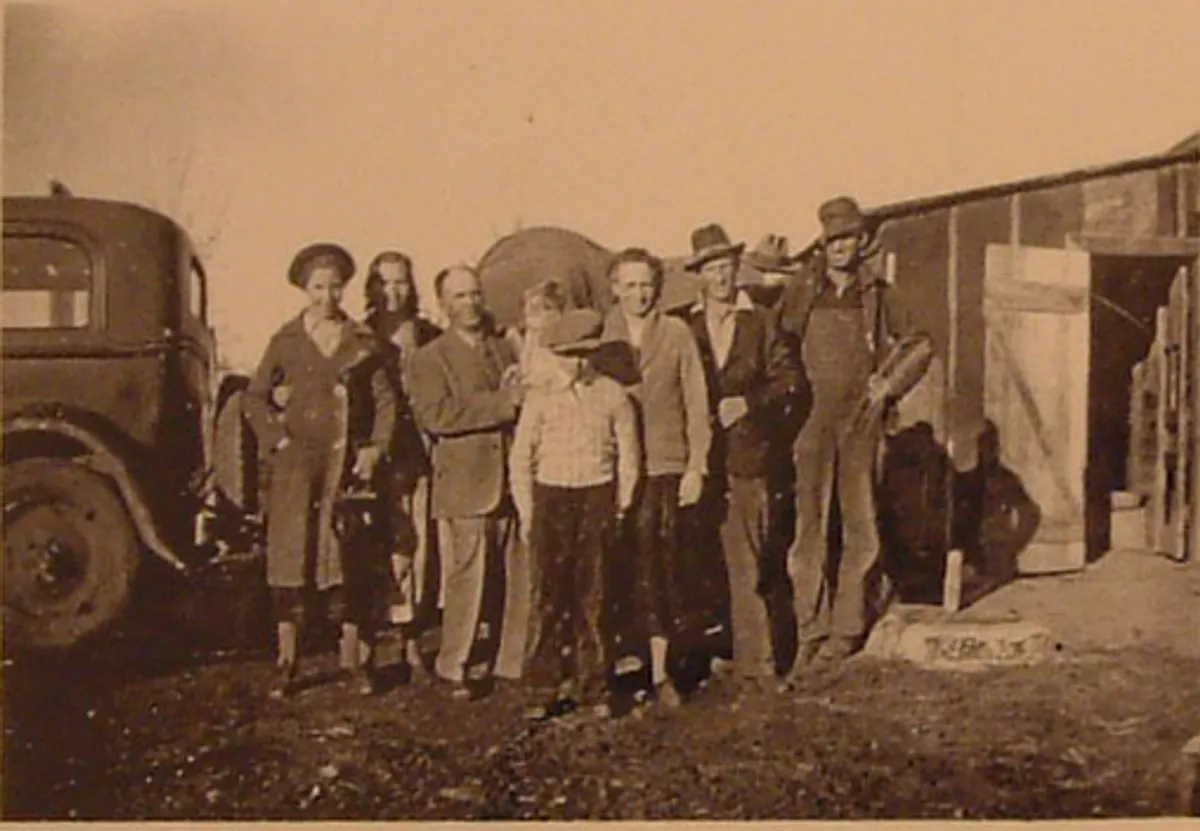
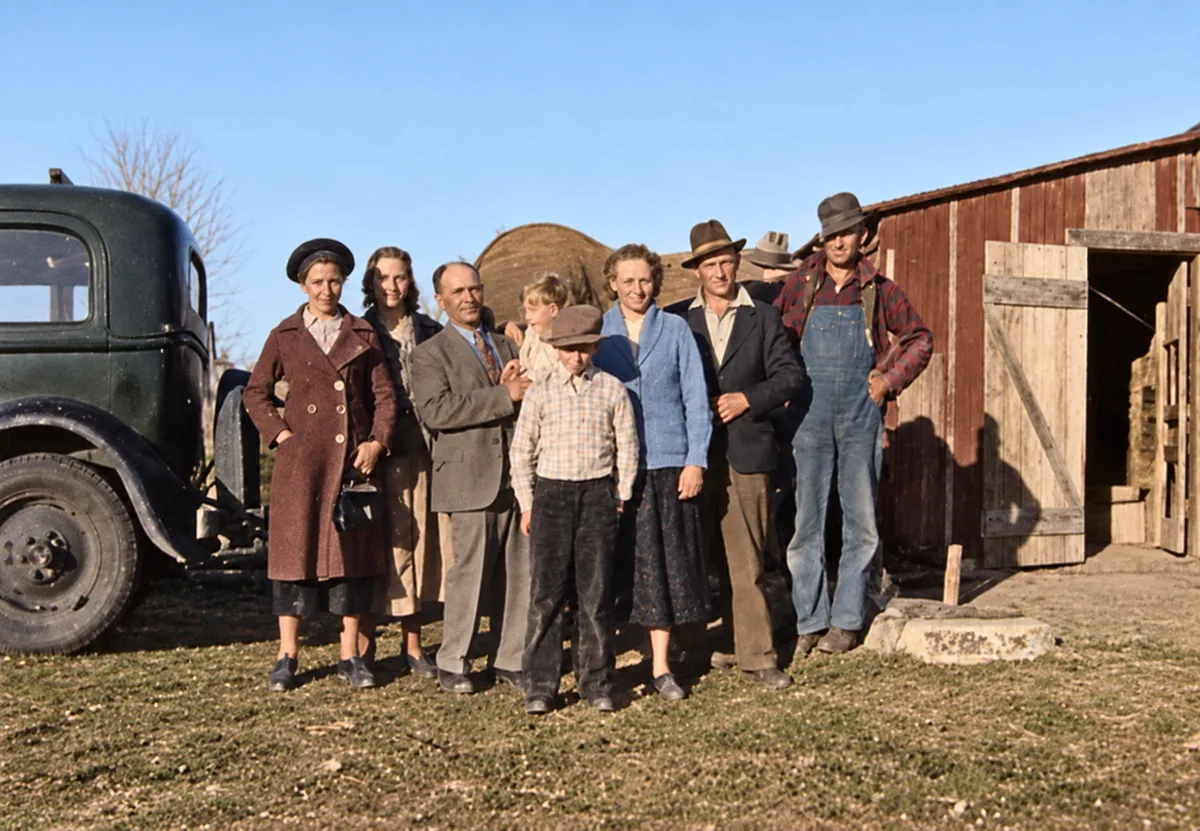
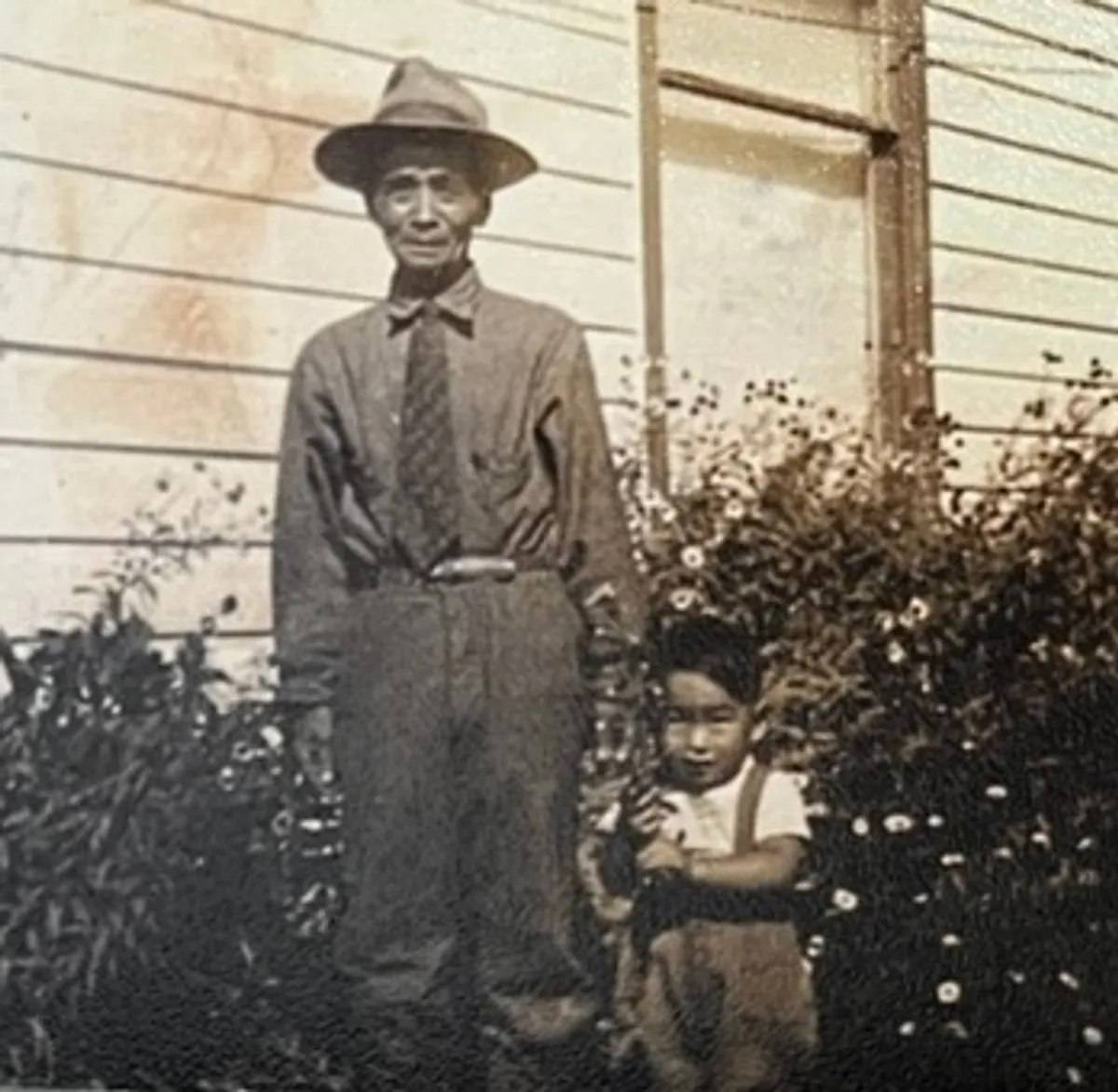
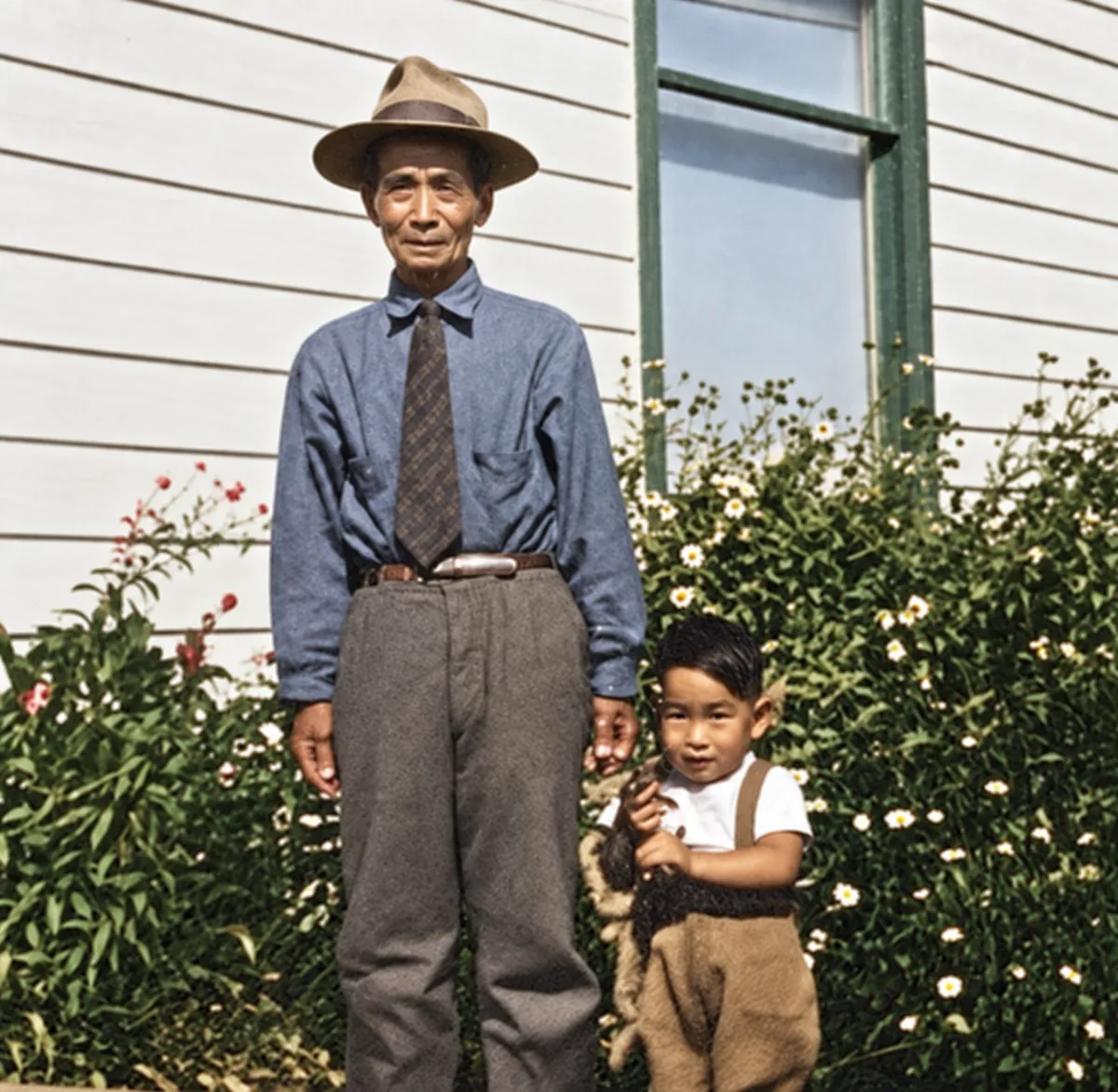
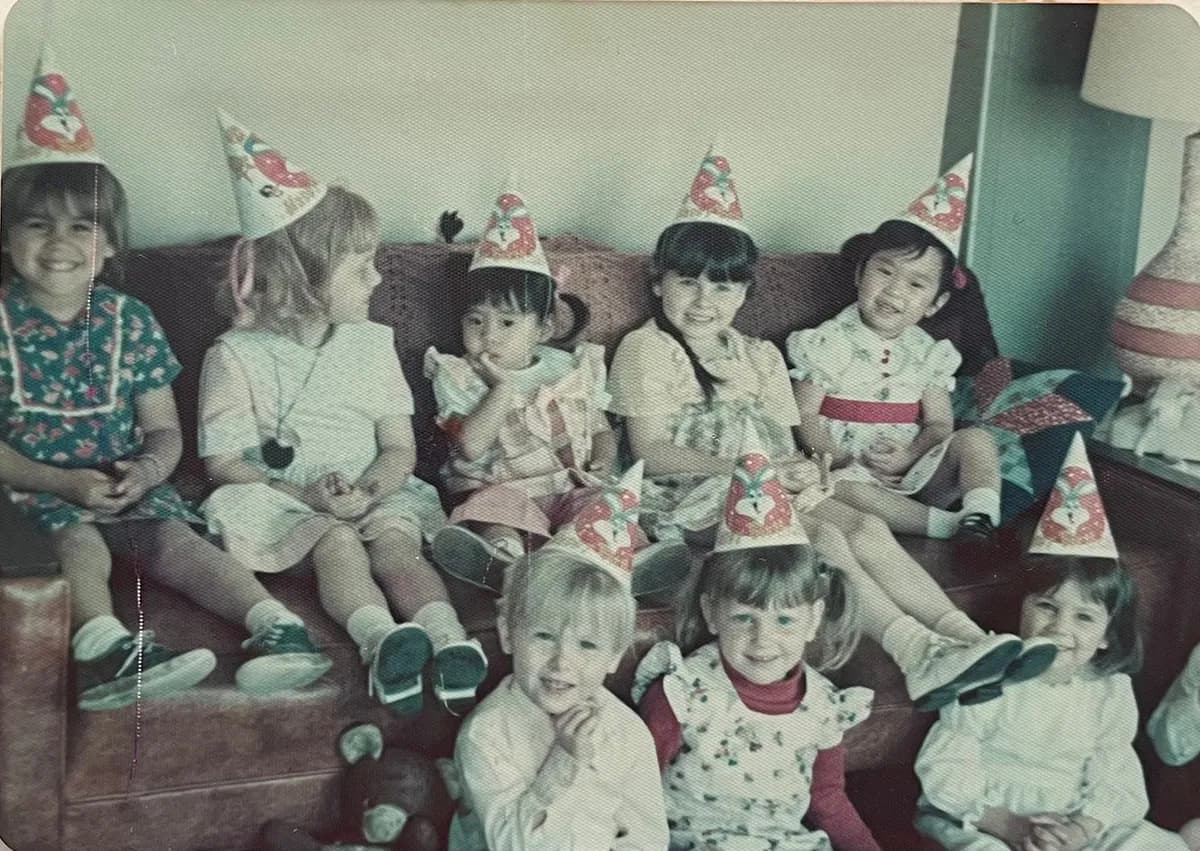
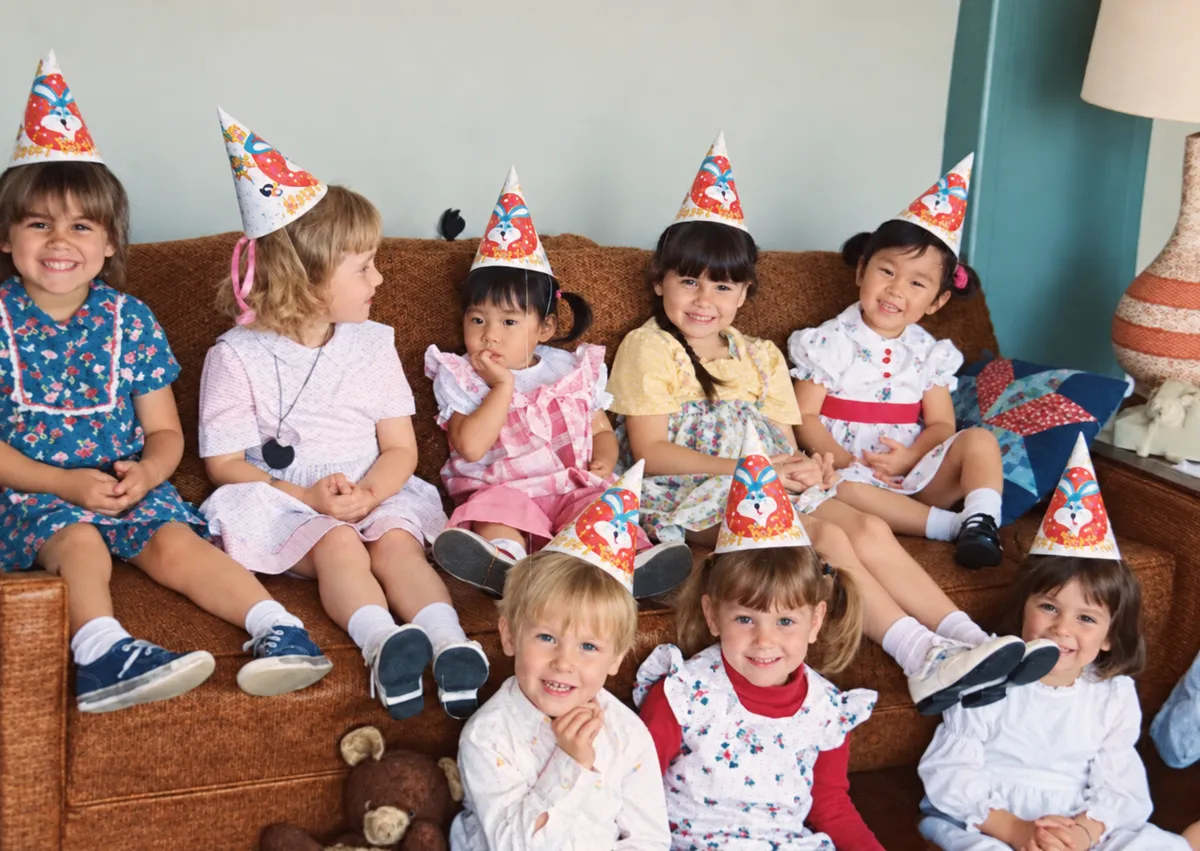
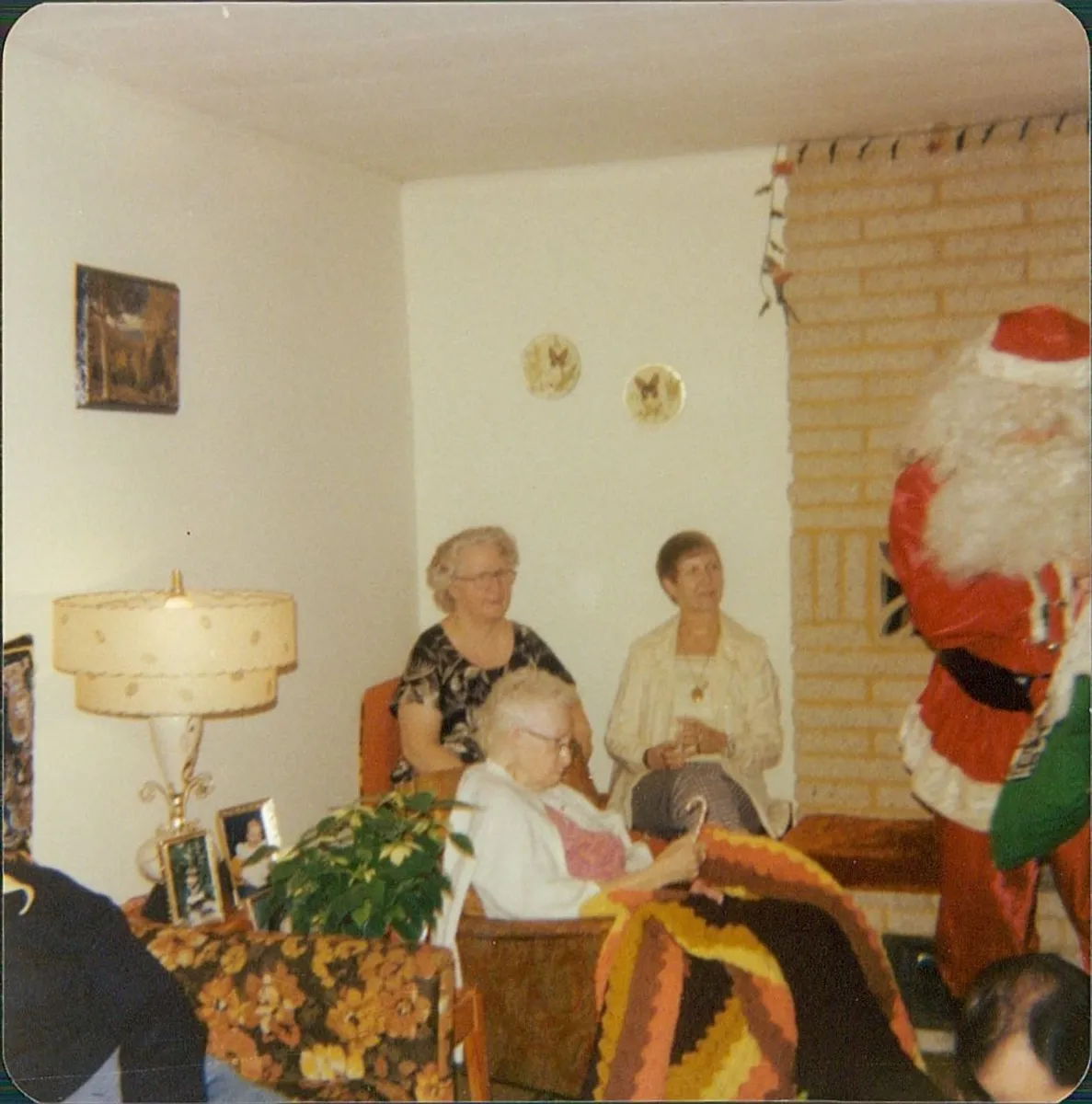
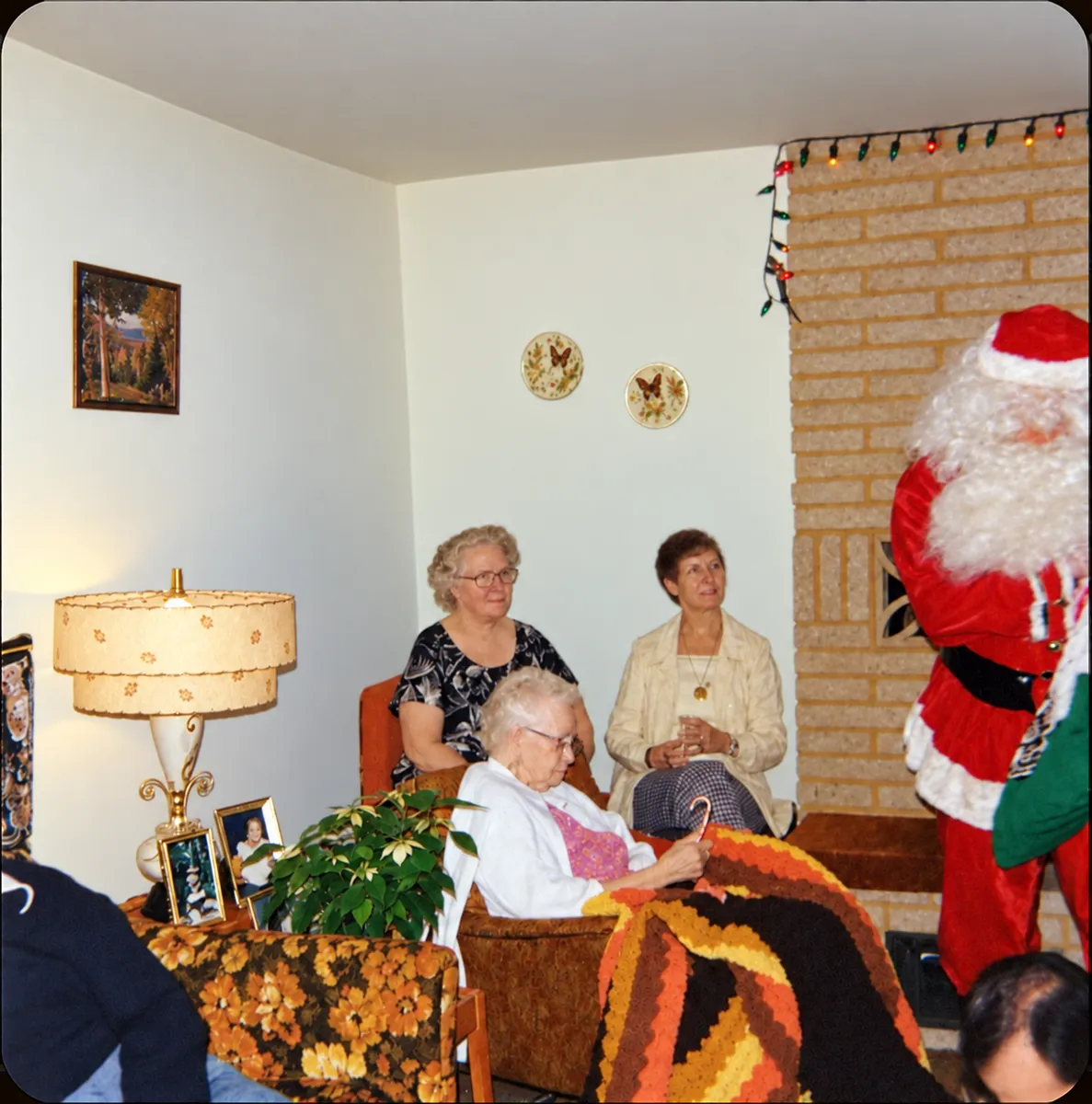
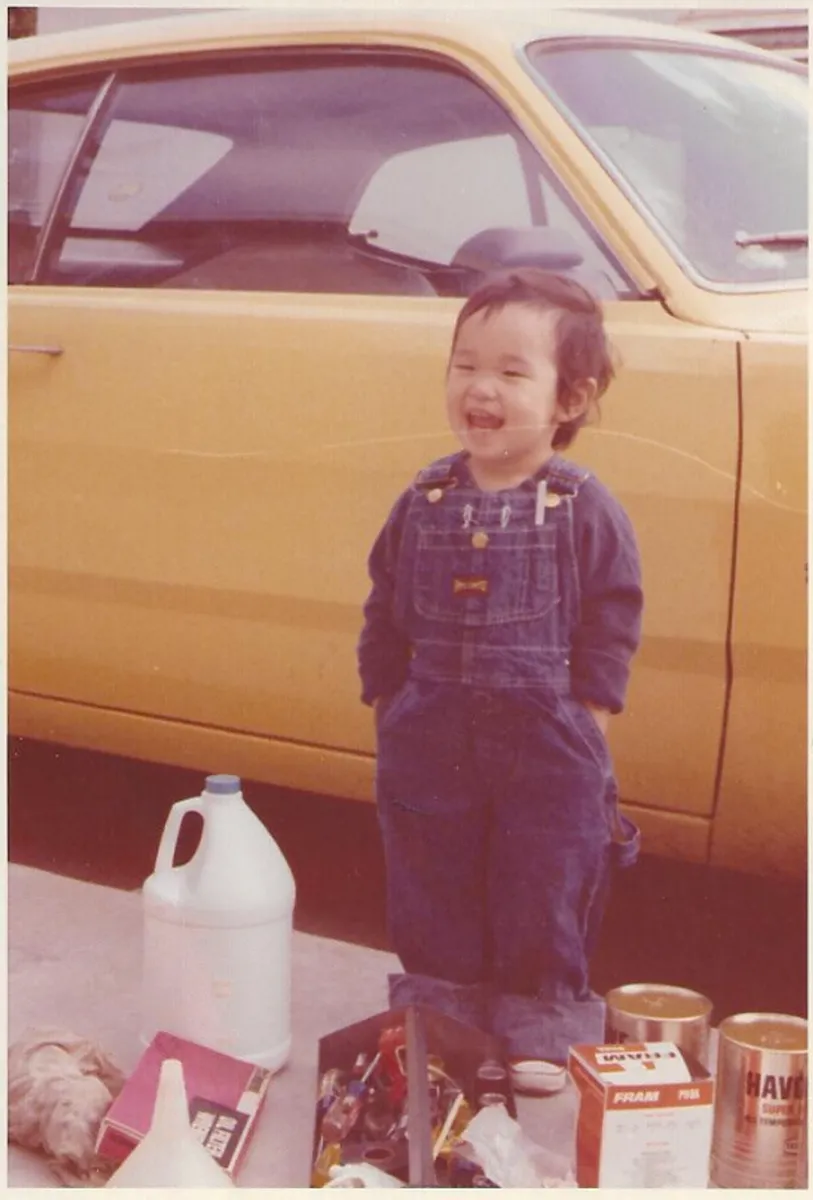
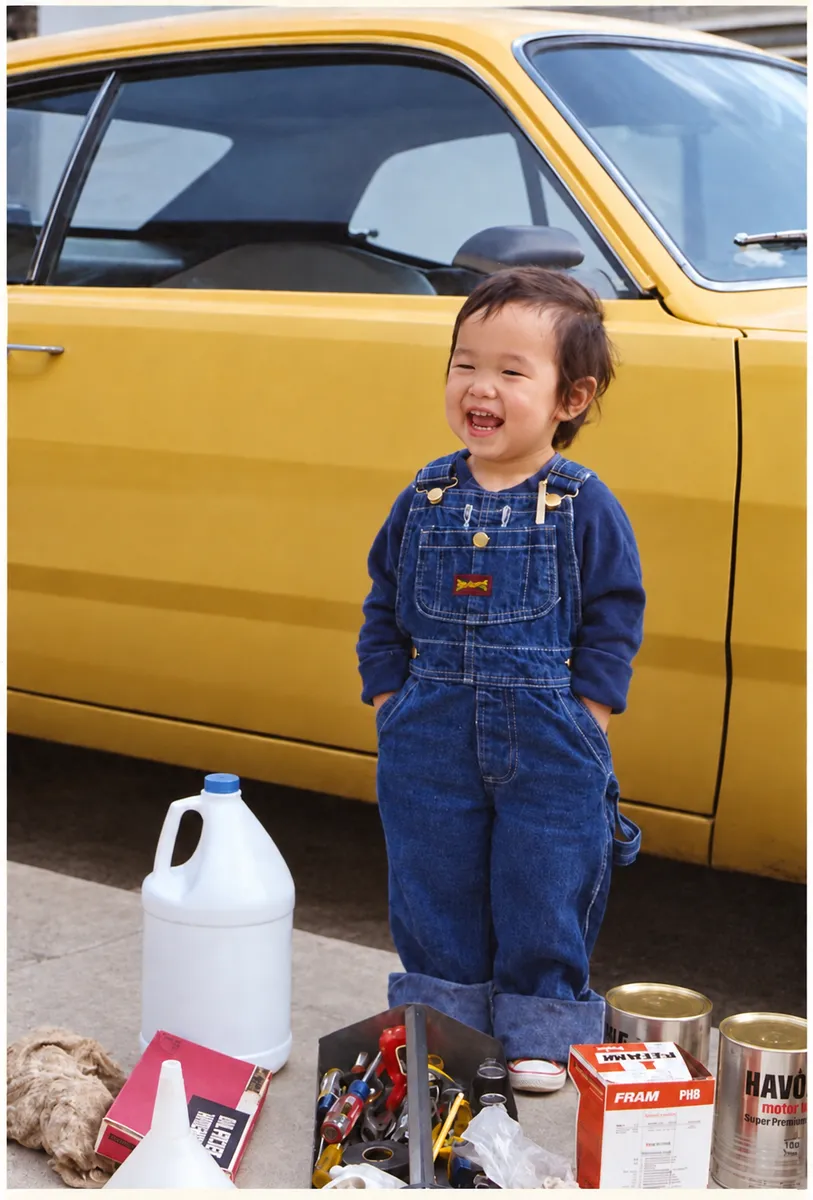
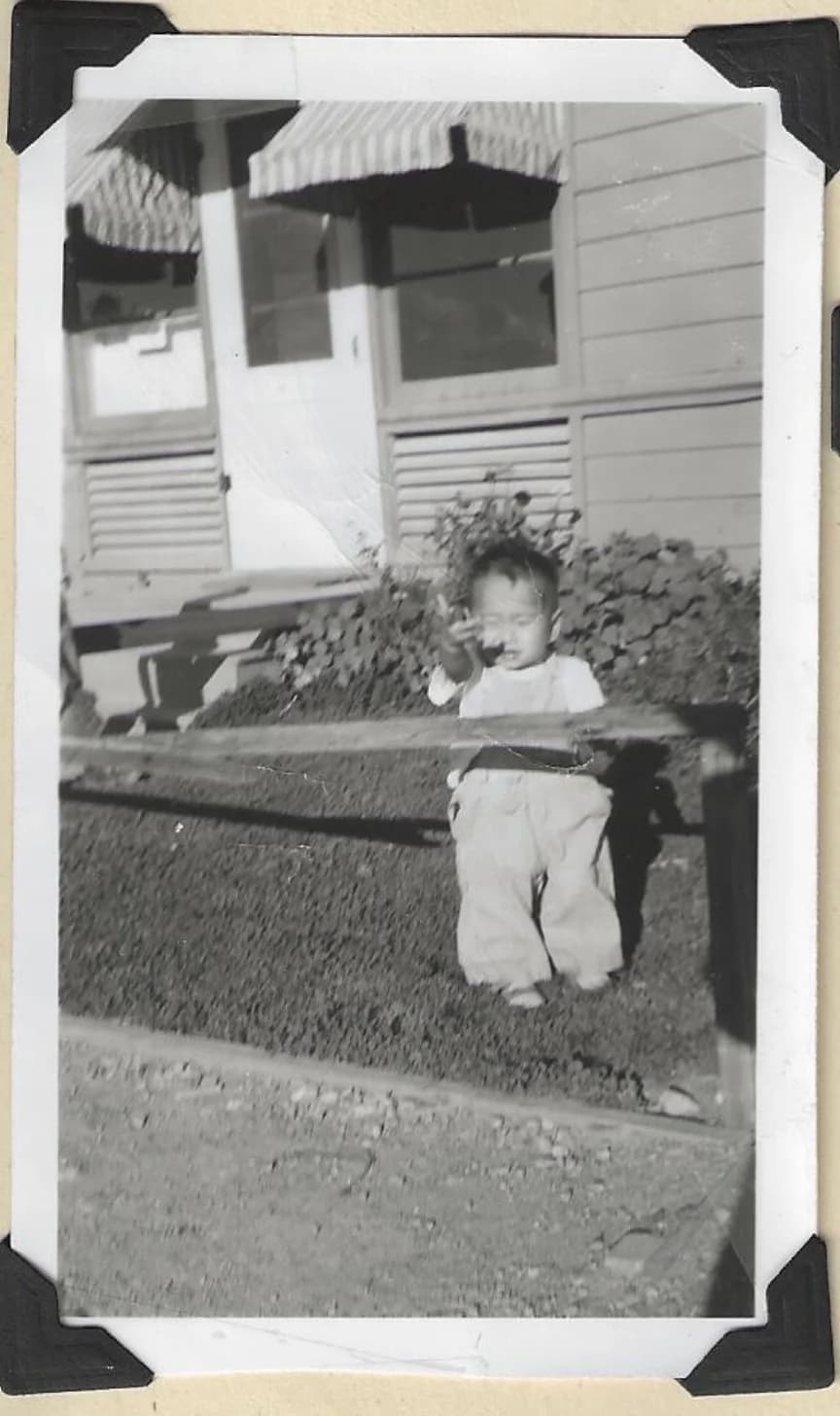
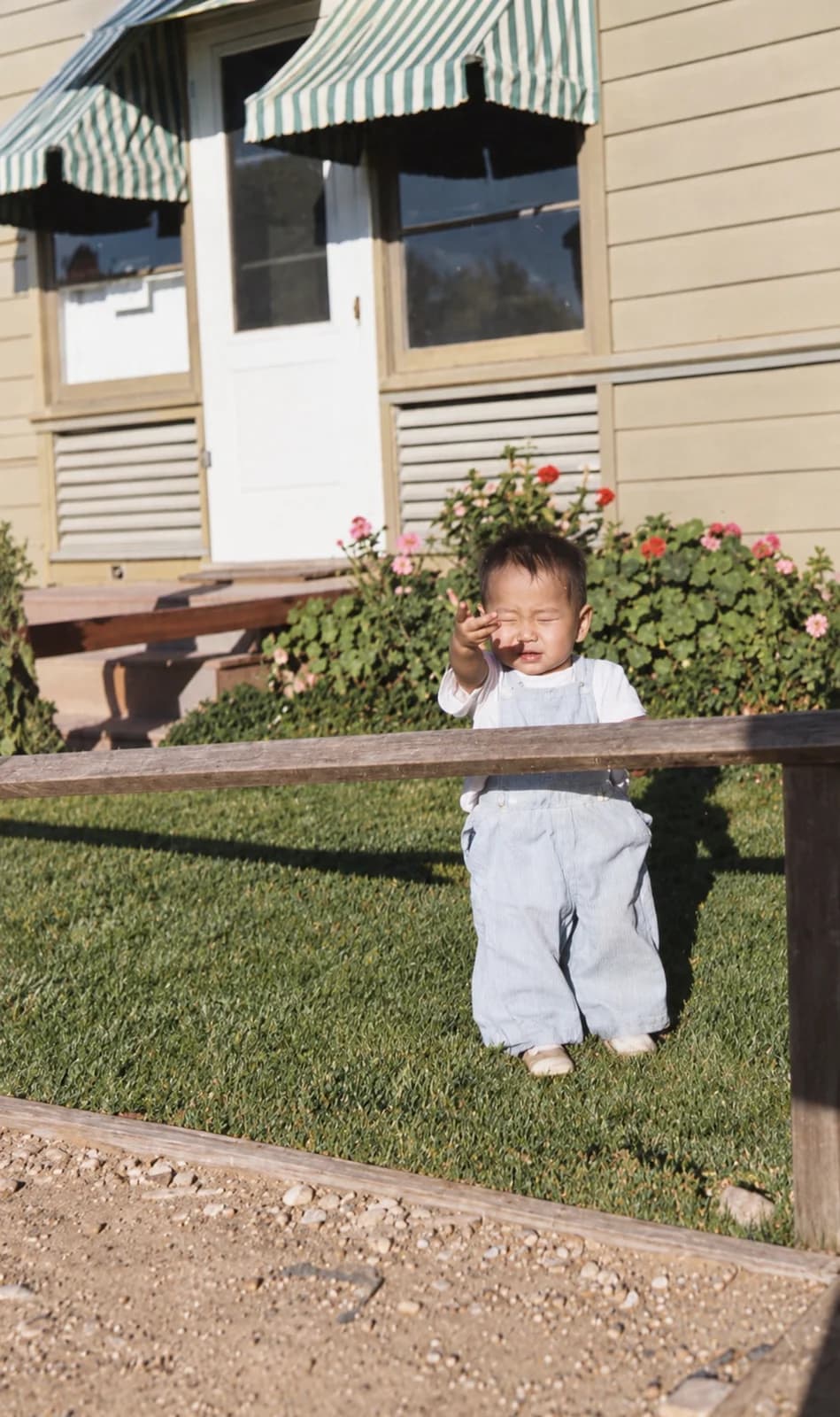
A few examples from real family archives. Each pair shows the original on the left and the AI-restored version on the right.

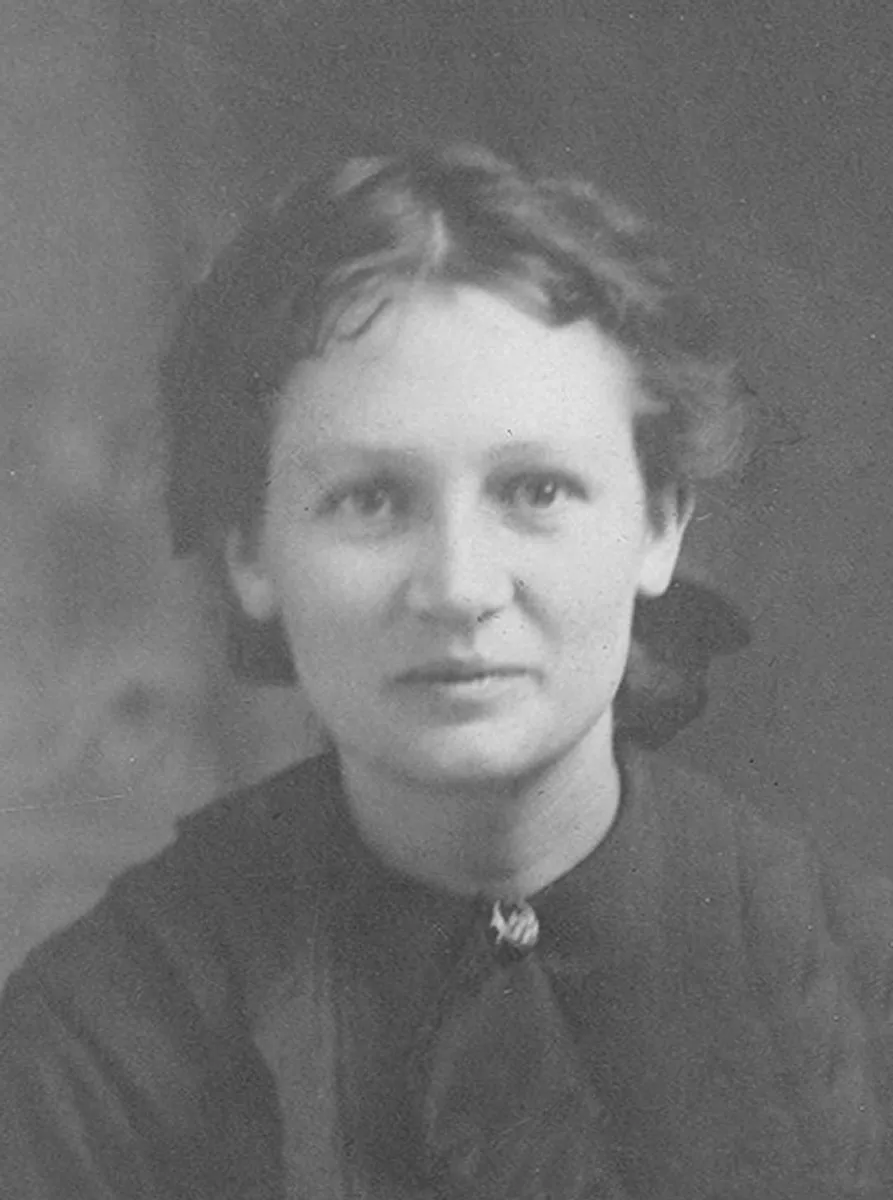
  • Faded black-and-white portrait of an elderly woman before AI restoration.
    Before
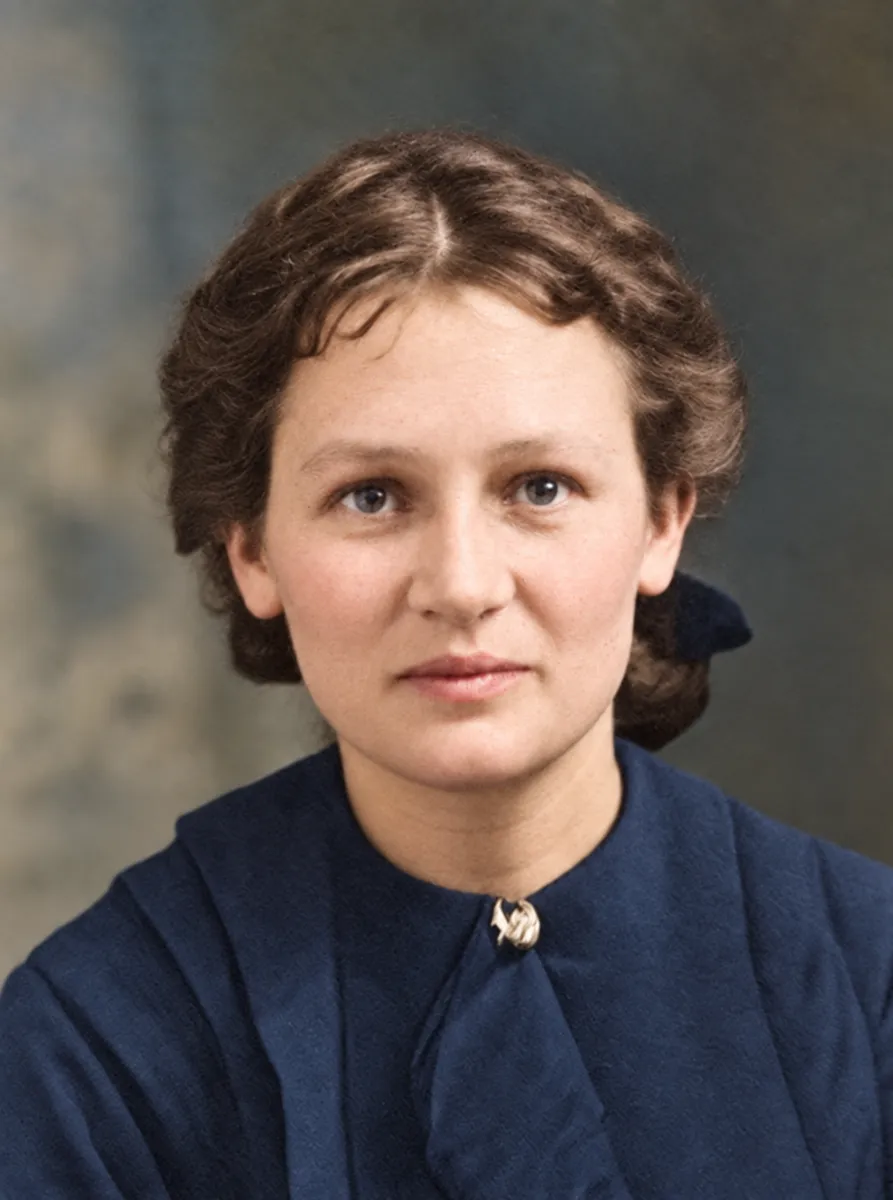
    Same portrait restored and colorized with AI — sharp detail and natural skin tone.
    After

    Faded mid-century portrait of Grandma Kunz, restored with AI.

  • Creased and yellowed photograph of a young soldier in uniform before restoration.
    Before
    The same soldier portrait after AI restoration — creases removed and color recovered.
    After

    Worn World War II soldier portrait, restored and colorized.

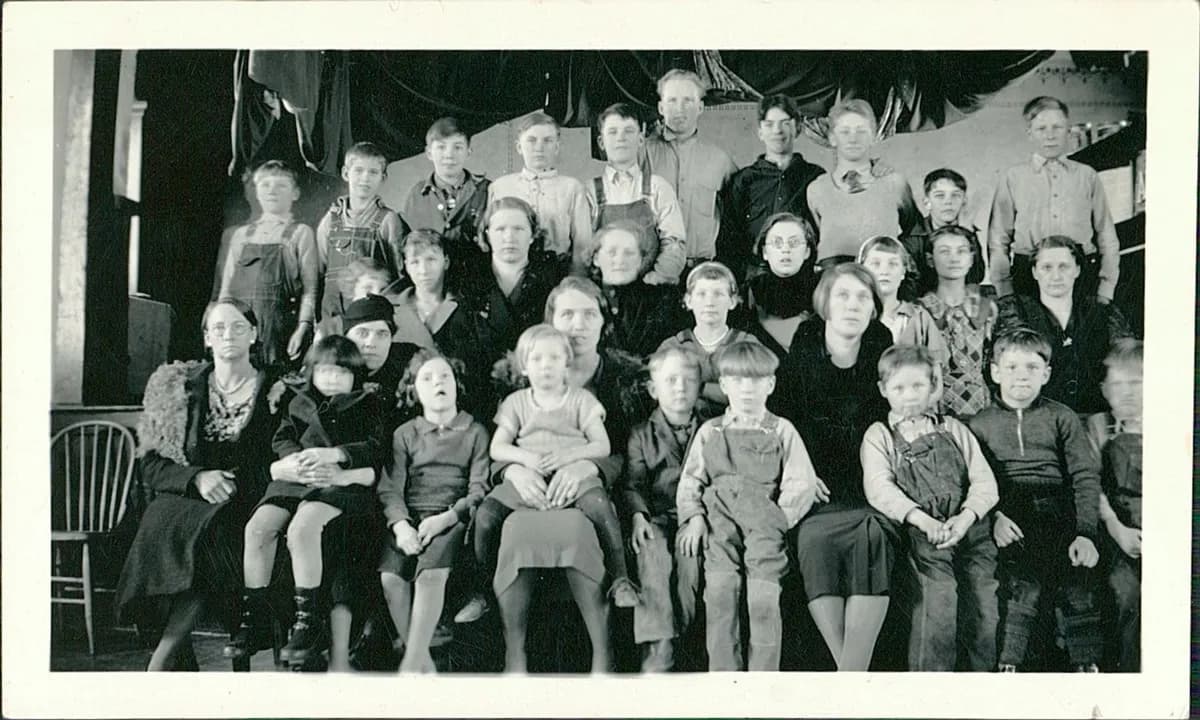
  • Damaged family group photograph with surface scratches and color cast before restoration.
    Before
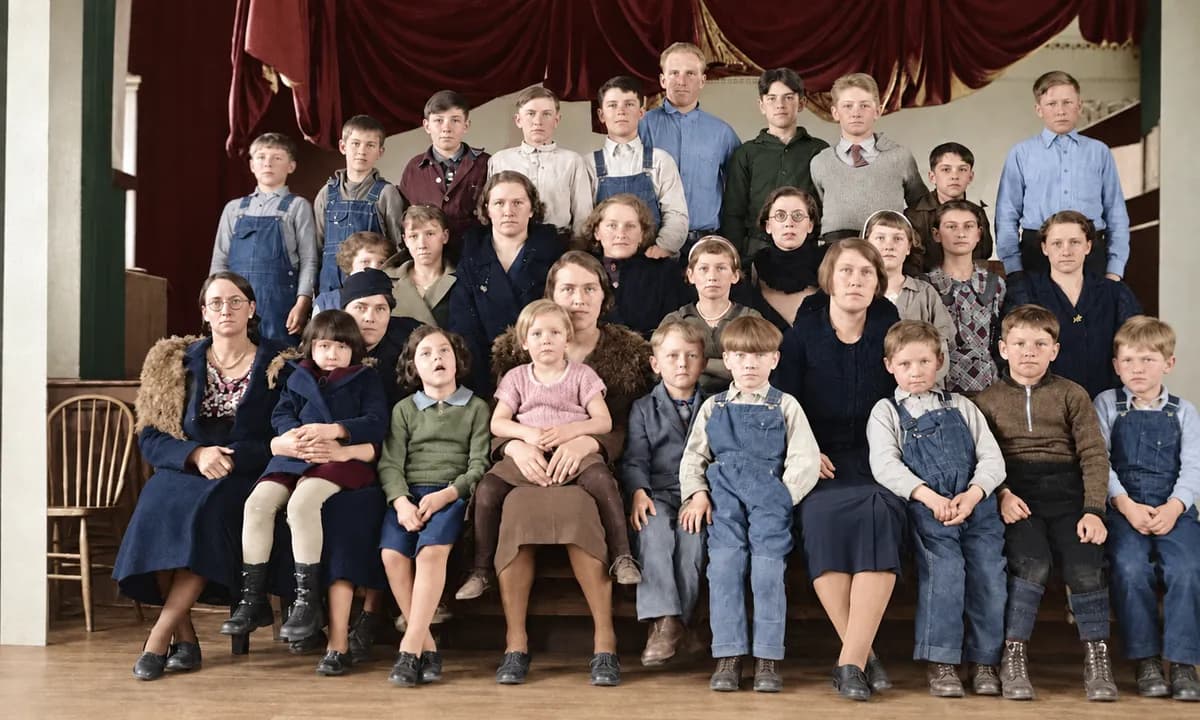
    Restored family group photograph with scratches removed and color corrected.
    After

    Family group photo with scratches and color shift, returned to clarity.

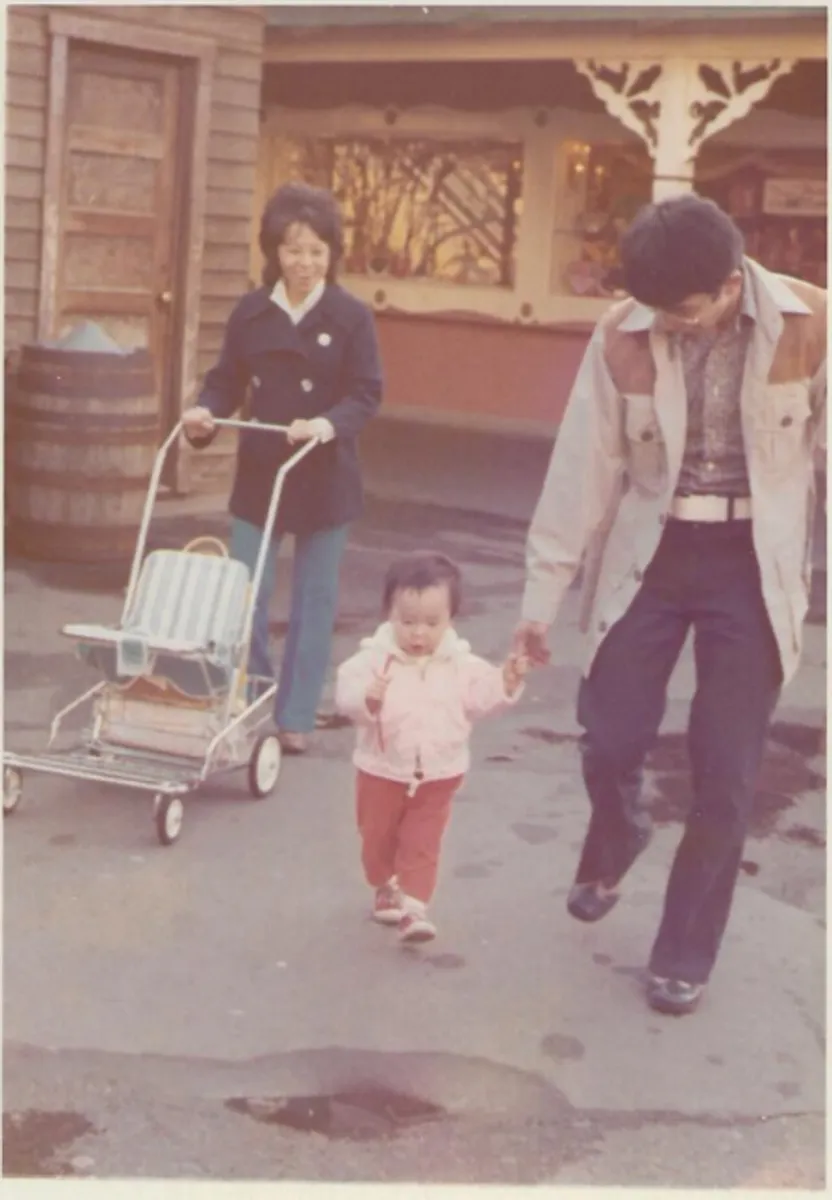
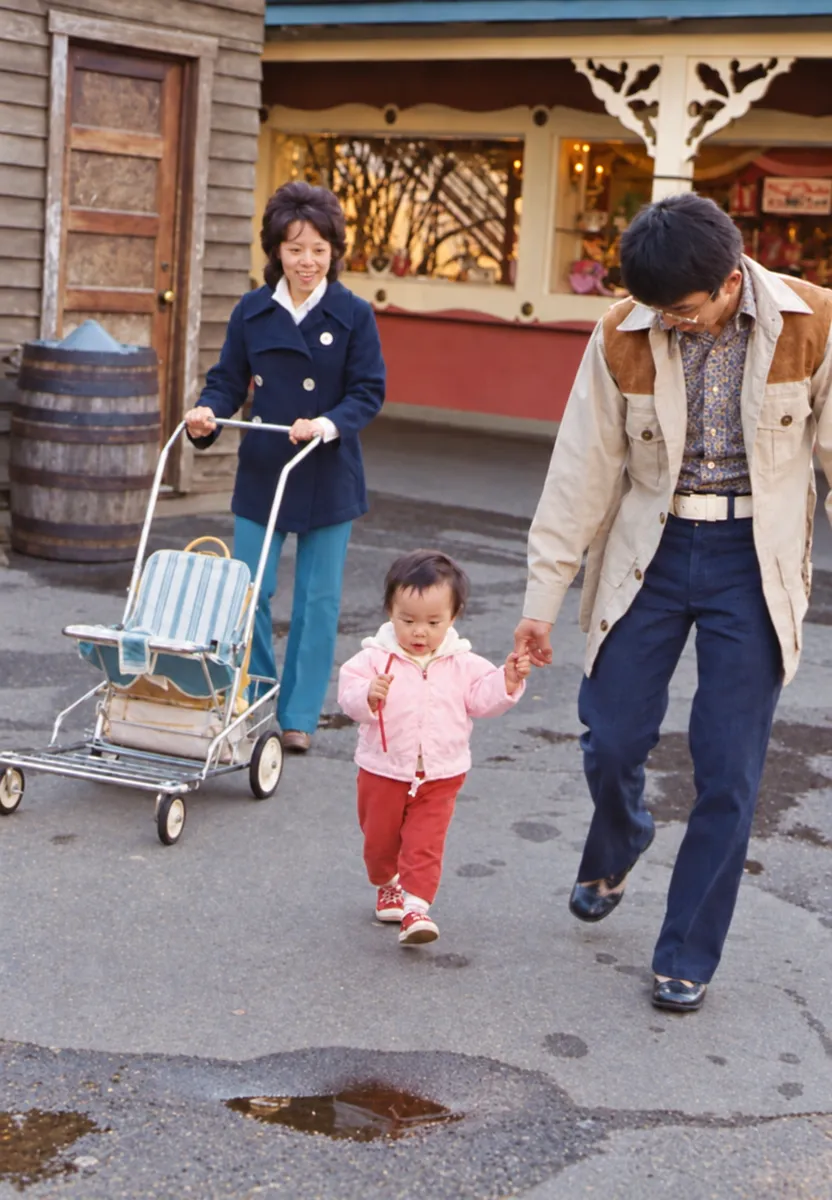
  • Faded vintage Disneyland snapshot with washed-out color before restoration.
    Before
    Same Disneyland snapshot after AI restoration — vivid color and crisp detail.
    After

    Vintage Disneyland snapshot, sharpened and color-corrected.

  • Aged sepia studio portrait with surface damage before restoration.
    Before
    The same studio portrait after AI restoration — damage repaired and color added.
    After

    Early 20th-century studio portrait, repaired and colorized.

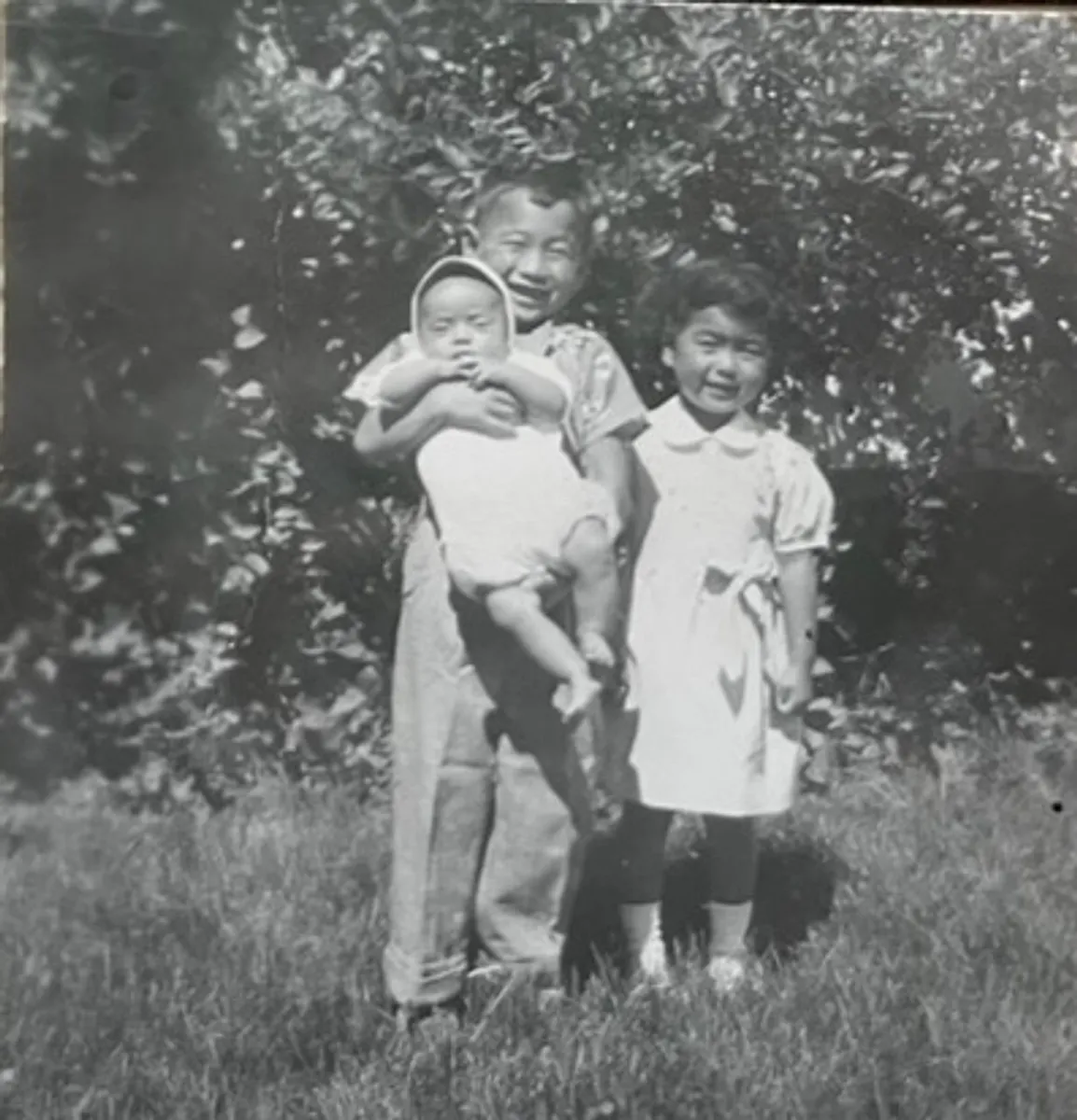
  • Faded vintage group photograph of siblings with dust and surface wear before restoration.
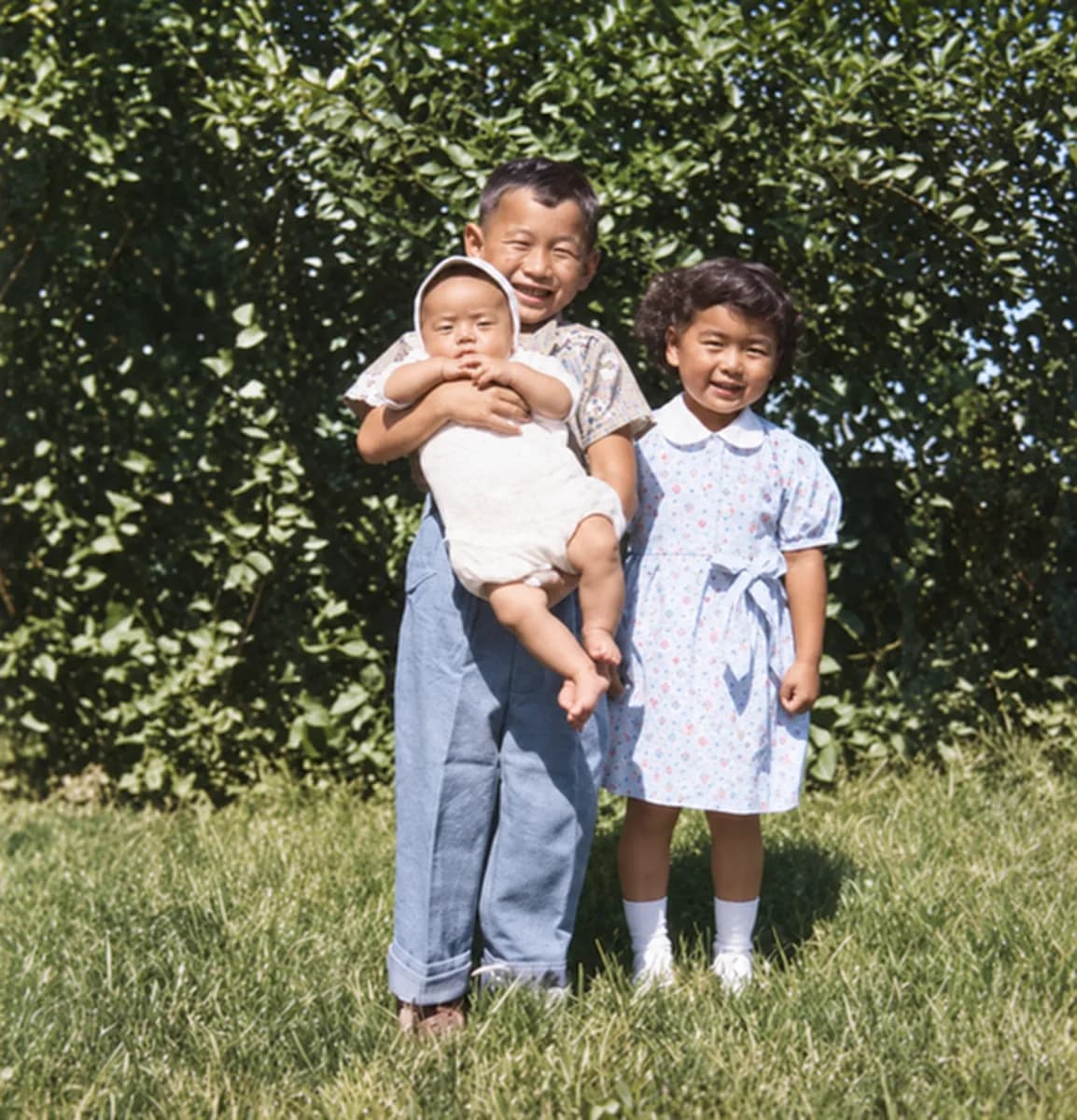
    Before
    Same sibling group portrait after AI restoration — faces sharpened and color recovered.
    After

    Group portrait of siblings, faded and damaged, brought back to life.

Restore your first photo

Restore your first photo in a few minutes. No account needed.